One-name tattoo
Mia
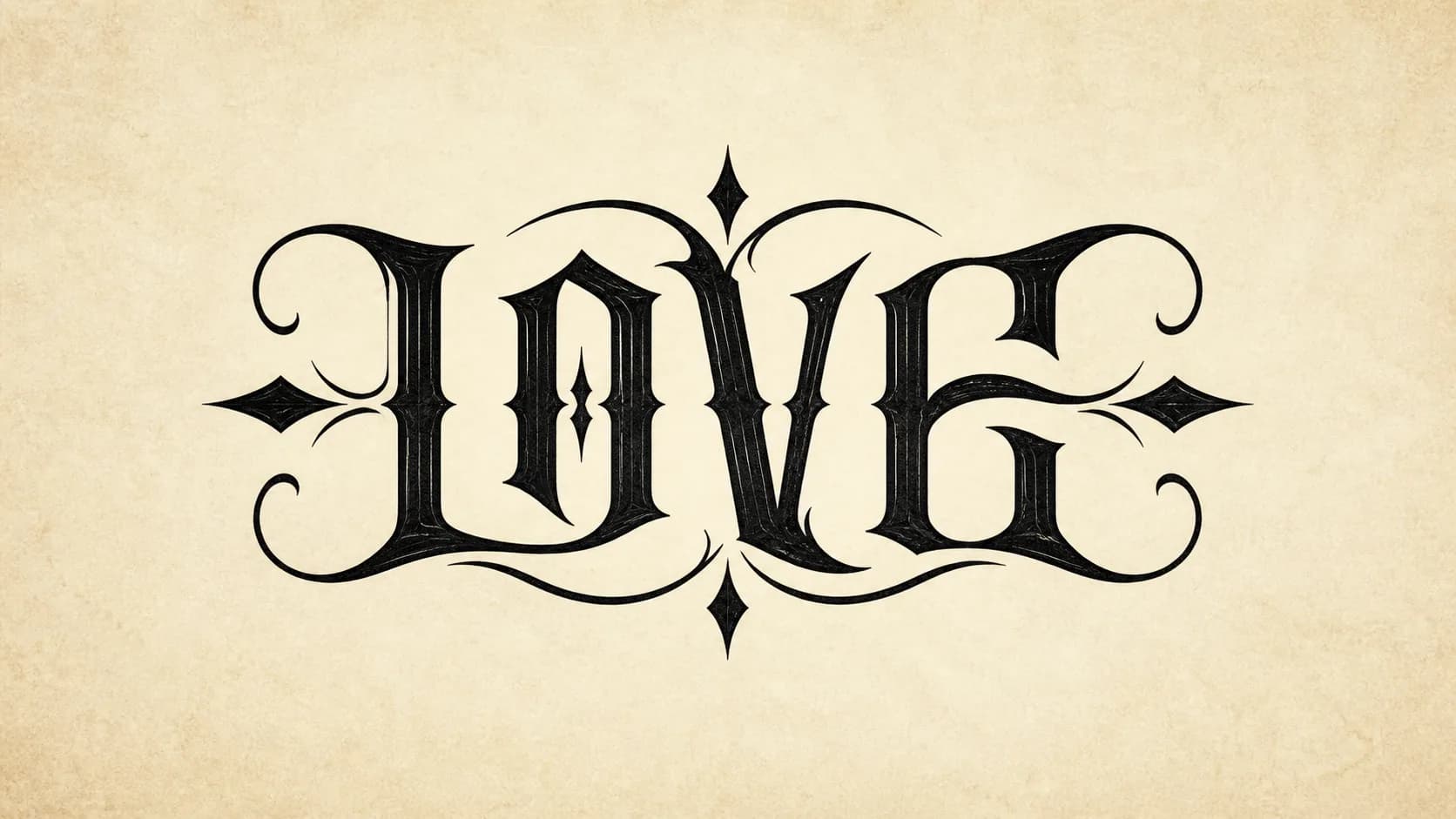
A short name leaves enough negative space for rotation and small-size checking.
Tattoo lettering tool
Turn one name, two names, or short words into a rotational tattoo lettering concept. Check it upright and at 180 degrees, then download the PNG or keep refining it in Stencil Maker.
1 credit per generation · PNG download included · Use as a tattoo reference
Sign in to use the welcome credits included with new accounts.
Tattoo lettering tool
Enter short lettering, choose one style, then confirm the 1 credit generation.
Single input
A single name or short word is the clearest starting point.
Generation cost: 1 credit
PNG download is included.
Rotational proof
Expected read: Family
Use this as a tattoo concept. Ask your tattoo artist to review spacing, line weight, placement, and long-term readability before tattooing.
Review the kind of lettering that works for one-name tattoos, paired names, memorial words, and stencil proof checks.
Mia
A short name leaves enough negative space for rotation and small-size checking.
Alex / Emma
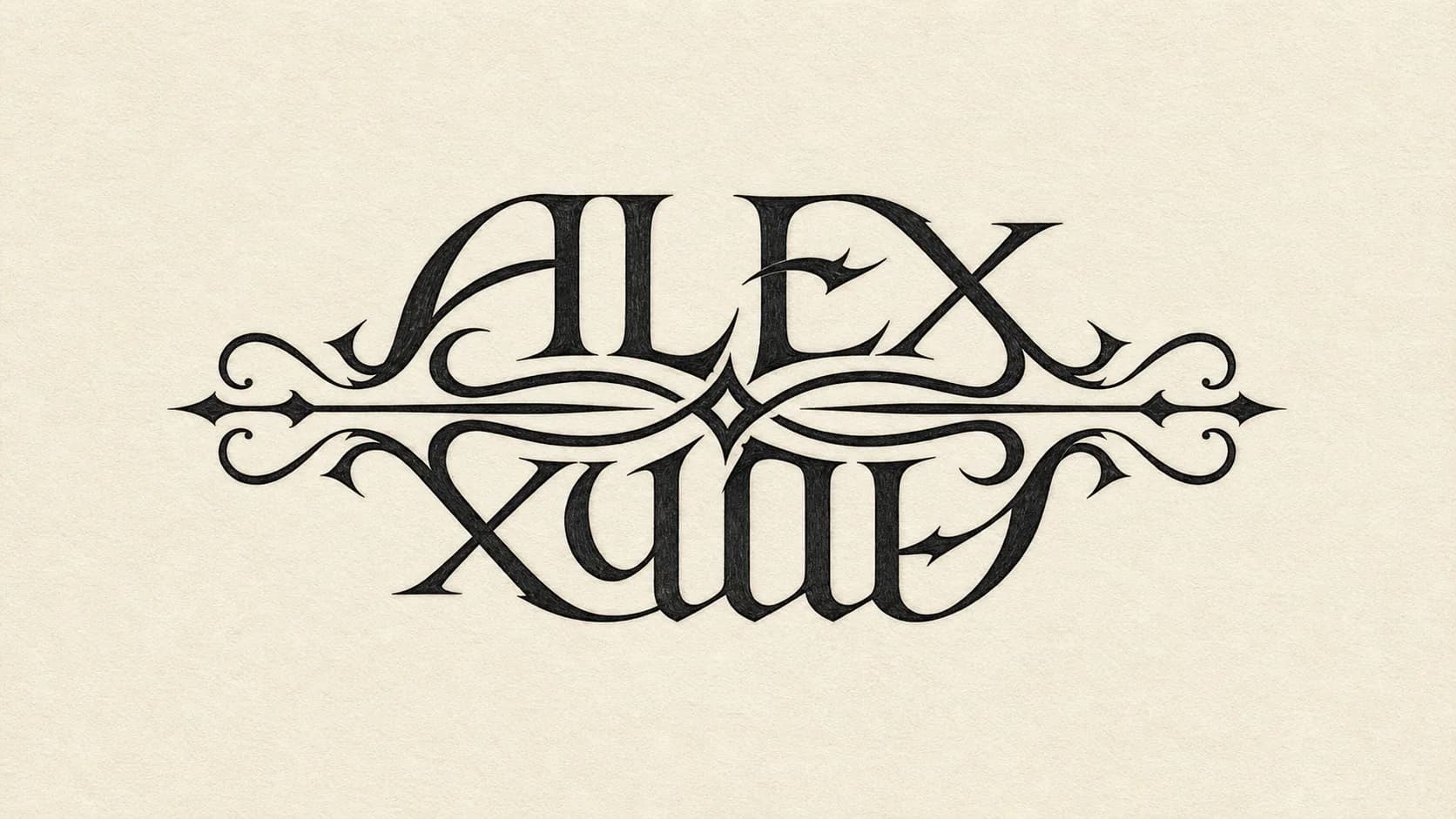
Names with similar length are easier to balance in both directions.
Family
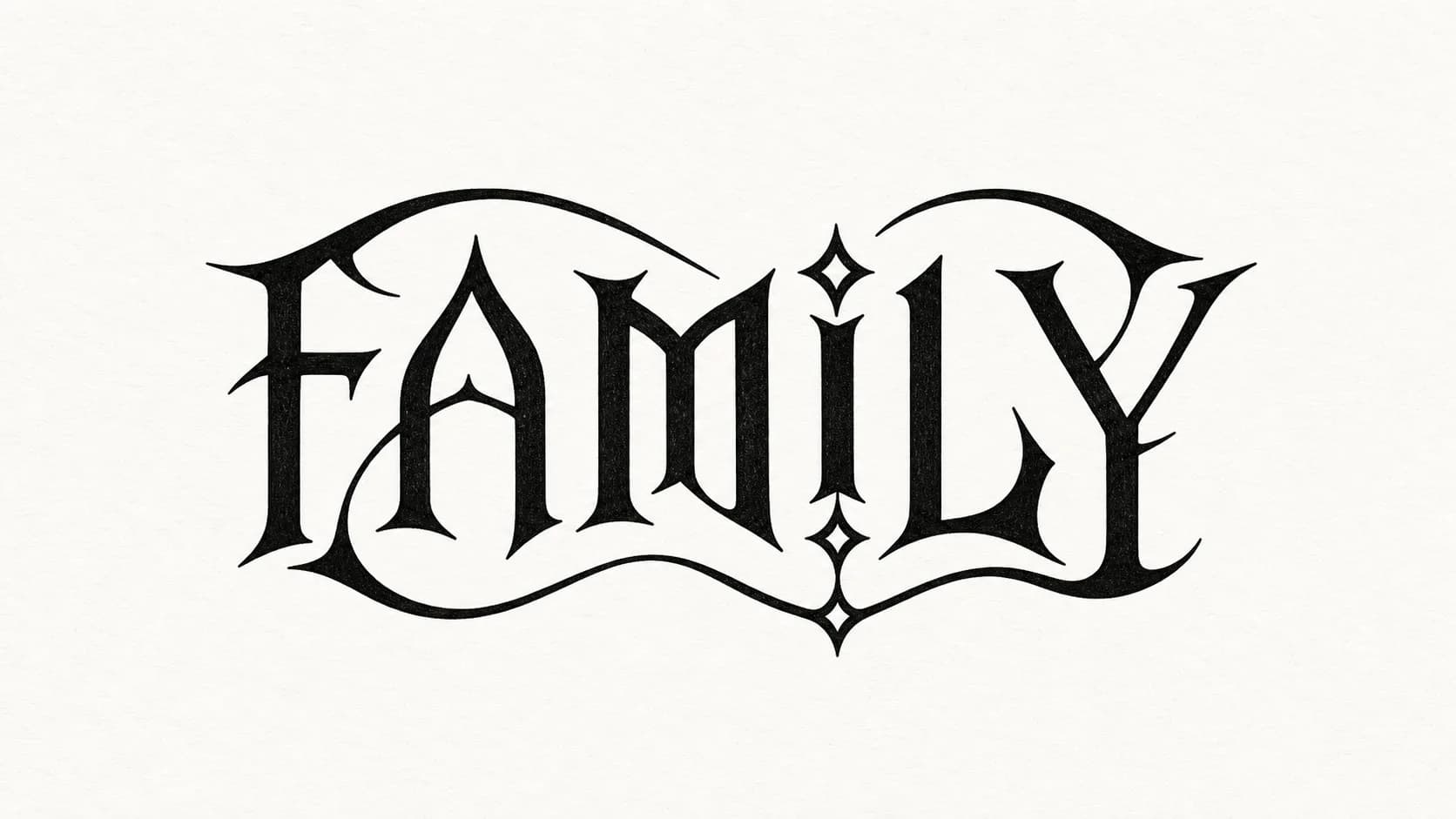
Bolder strokes make the idea easier to review before artist refinement.
Love / Faith
Love / Faith
Love / Faith
Compact emotional words work better than long phrases or crowded quotes.
Honor
Honor
Honor
Heavy forms can help rotation, but the counters must stay open.
Hope
Hope
Hope
Minimal styles need enough spacing so the word does not collapse when small.
Tattoo lettering has to survive rotation, size changes, skin texture, and long-term ink spread. Judge the concept before treating it as a tattoo reference.
Both directions should read without relying on tiny decorative details.
Open counters and clear spacing matter more than ornate flourishes.
The design should still make sense when scaled down near tattoo size.
Skin curve, healing, and ink spread can soften thin or crowded strokes.
Names, nicknames, and initials usually create the cleanest starting point for a tattoo ambigram.
Pairs with similar length are easier to balance. If the pair is uneven, try a nickname or initials.
Compact words like love, faith, family, honor, and hope leave more room for readable rotation.
Use one-name mode for initials, personal symbols, memorial names, or compact words. Use two-name mode for couples, parents, siblings, or paired values. This page keeps the two-name flow inside the tattoo context so the general ambigram page can stay broader.
Placement affects how large, bold, and open the lettering needs to be. Treat this as planning guidance, not a body preview.
Wrist and forearm placements need stronger spacing because viewers read them quickly.
Upper arm, shoulder, chest, and back placements can support larger lettering and thicker joins.
Couple placements should keep both directions equally readable, not just visually clever.
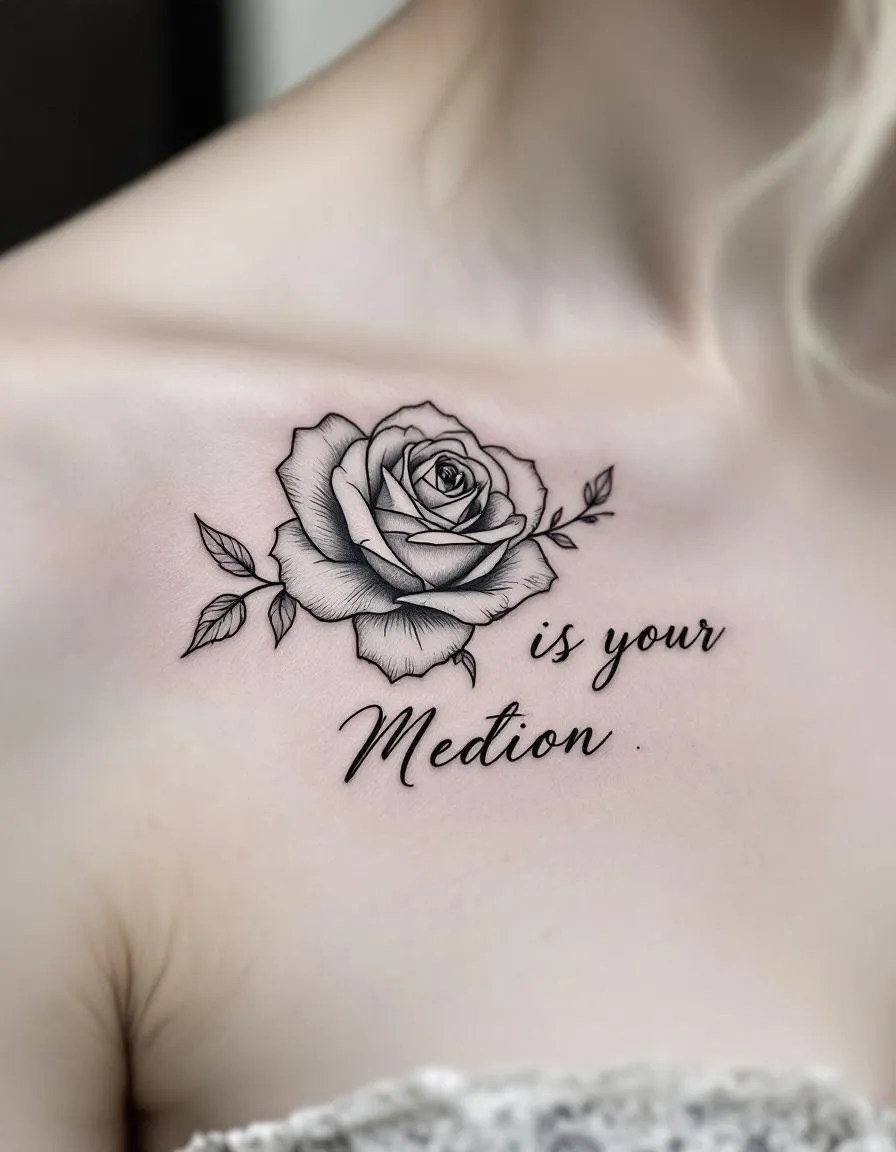
A tattoo artist should still review the final size, spacing, line weight, and placement before tattooing.
Download the PNG for quick sharing, or open the generated image in Stencil Maker to keep preparing linework. The result is a reference for your tattoo artist, not a guaranteed final stencil.
The workflow stays short so the search visitor can move from intent to proof quickly.
Enter one name, two names, or short words.
Choose a tattoo lettering style.
Compare the upright and 180 degree views.
Download the PNG or continue in Stencil Maker.
Quick answers about two-name ambigrams, credits, PNG downloads, and tattoo artist review.
An ambigram tattoo generator turns names or short words into lettering designed to be read from more than one direction, usually after a 180 degree rotation.
Use the result as a tattoo concept or reference, not as a guaranteed final stencil. Ask your tattoo artist to review size, spacing, line weight, placement, and long-term readability.
Yes. Choose the two-name mode and enter both names. Similar lengths often produce a clearer starting point, while very different lengths may work better with nicknames or initials.
Each live Ambigram tattoo generation uses 1 credit and creates one result. The standard PNG download is included with that generation.
The current Ambigram image is loaded into the Stencil Maker so you can continue preparing linework. Opening the image is free; any new generation inside Stencil Maker follows that tool's displayed credit cost.