love ambigram generator example
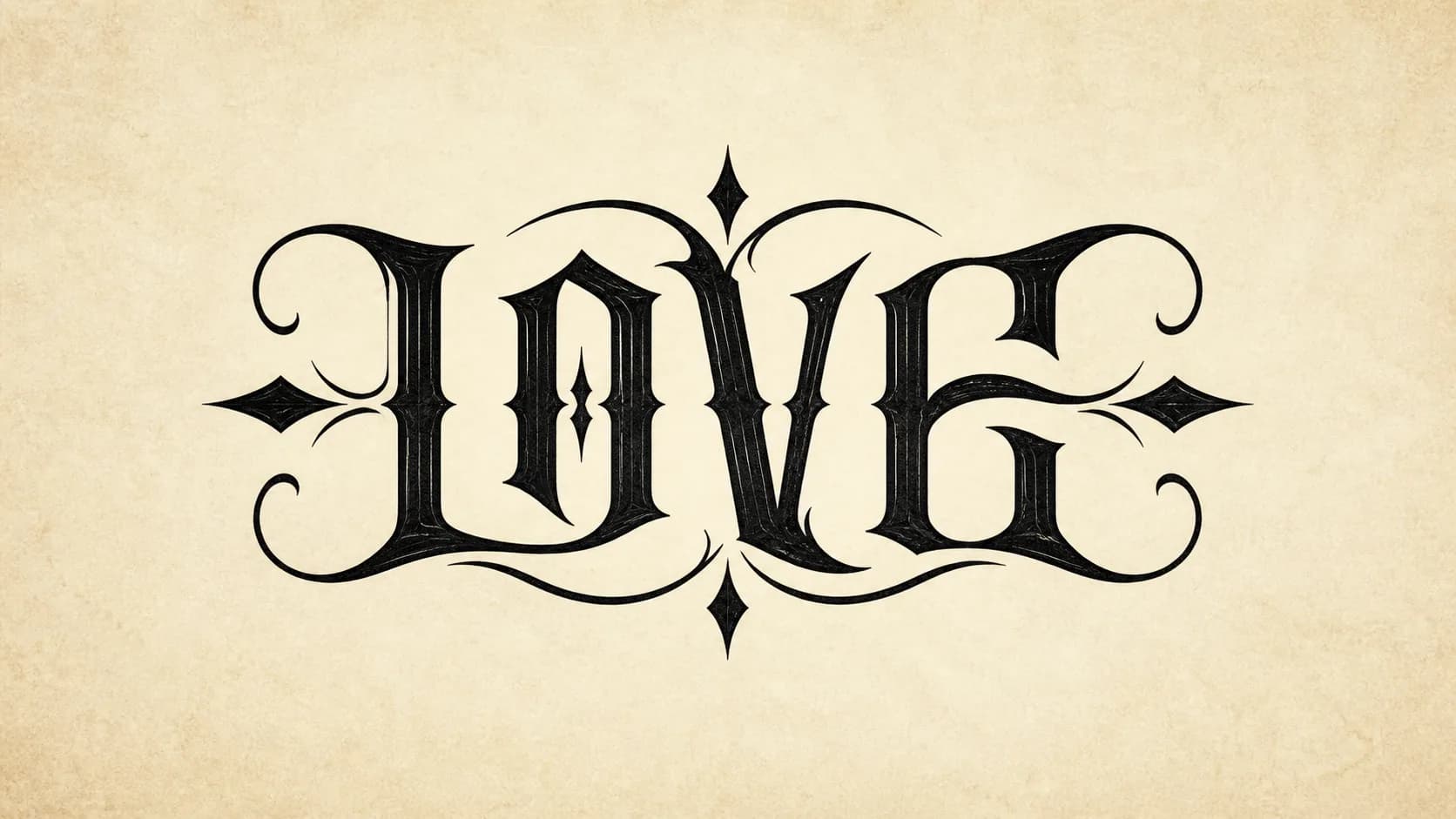
Preview: Love
Ambigram generator tool
Type a name or two words, then preview it upright, rotated, and as a stencil-style proof.
Ambigram Generator Tool
Best for a single name, short word, logo idea, or tattoo lettering concept.
One word mode
82%A single name or word is usually the easiest place to start.
Generated tattoo-ready result
LOVE
A high-contrast blackwork result for one-word ambigram previews.
180 degree proof
LOVE
Rotated view for quick readability checking.
Stencil preview
LOVE
Stencil-ready proof for tattoo reference expectations.
Text fallback
Family
Demo images show the intended AI result quality. Generate to create one live nano-banana-2 result.
Enter a name or word, then generate an AI ambigram concept.
Start with short names and words, then compare normal, rotated, and stencil-style previews.
love ambigram generator example
Preview: Love
family ambigram maker example
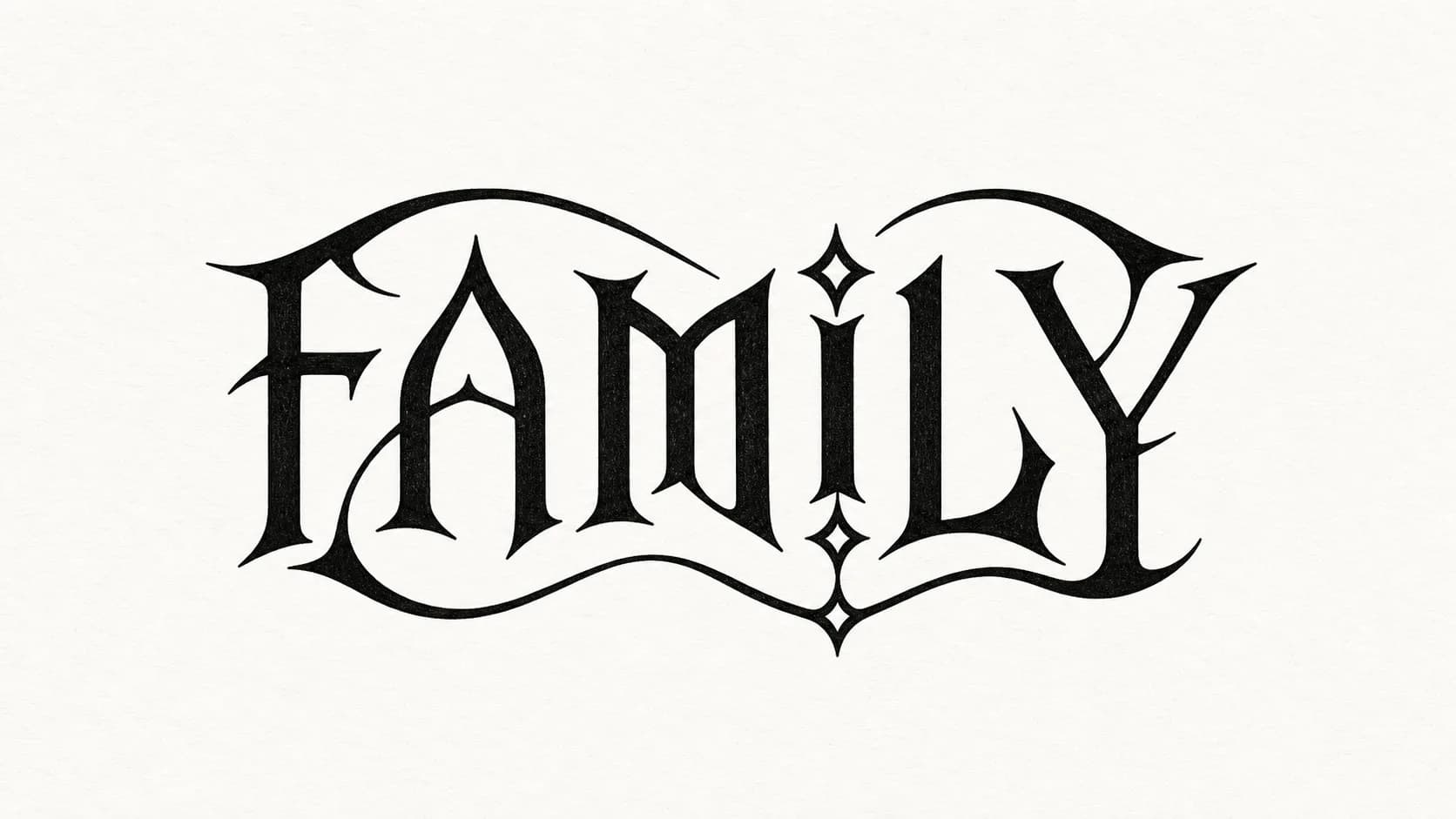
Preview: Family
two name ambigram generator example
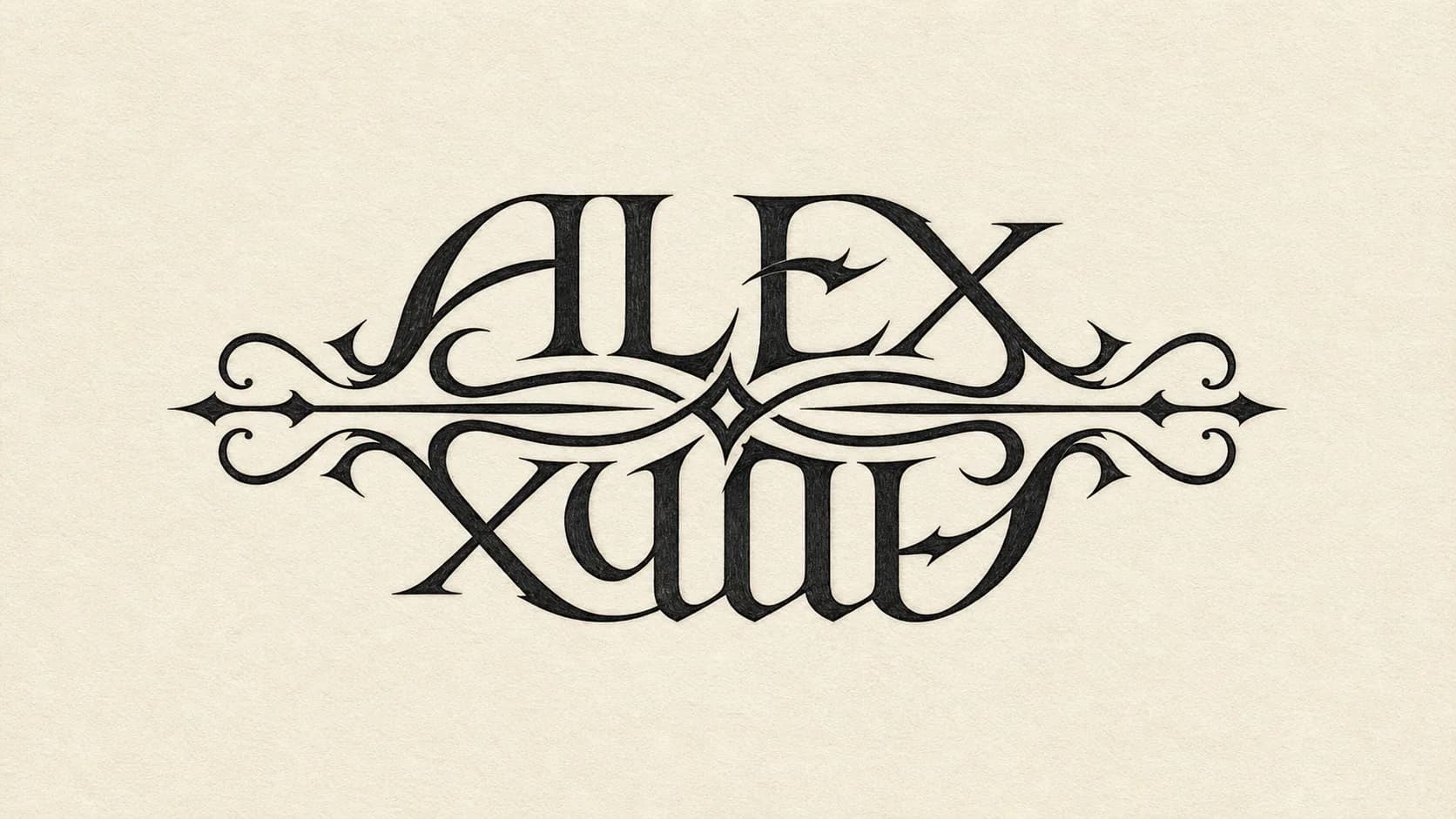
Preview: Alex / Emma
name ambigram generator example
Mom / Dad
Mom / Dad
Preview: Mom / Dad
ambigram creator example
Faith
Faith
Preview: Faith
ambigram gen example
Hope / Dream
Hope / Dream
Preview: Hope / Dream
A useful ambigram generator should do more than twist letters into a clever shape. The result needs to read with intent in the normal view, still feel deliberate after a 180 degree rotation, and keep enough negative space for real-world use. That is especially important when the design may become a tattoo stencil, logo mark, gift print, or personal name artwork.
The best output usually balances three things: recognizable letters, strong overall symmetry, and a visual rhythm that feels designed rather than forced. Decorative strokes can help, but readability should come first. If the ambigram maker produces beautiful shapes that no one can read, the design will not work as a tattoo or keepsake.
Start with short words, clean spelling, and names that have a similar length. A name ambigram generator has more room to create a readable result when the letters share compatible heights, curves, and vertical strokes. Words like love, faith, family, hope, soul, and dream are common starting points because they are compact and emotionally clear.
For two names, try nicknames before full legal names. Alex and Emma, Mom and Dad, or Mia and Leo are easier to balance than long pairs with very different letter counts. If the first result feels too ornate, switch to a bolder tattoo lettering style or a minimal line style. Cleaner shapes often rotate better than highly decorative script.
An ambigram tattoo generator is best used as a concept tool, not as the final stencil without review. Tattoo lettering has to survive skin texture, aging, placement curves, and different viewing distances. A design that looks sharp on screen may need thicker joins, wider counters, or simpler flourishes before it becomes a reliable tattoo.
Before tattooing, show the preview to your artist and ask them to check the upright view, the rotated view, and the line weight. The goal is not only to make a clever ambigram. The goal is to create lettering that still feels intentional years later, even when the ink softens slightly over time.
Different searches often use different words for the same goal. Whether you call it an ambigram maker, ambigram creator, ambigram gen, or AI ambigram generator, the practical question is the same: which input type gives you the most readable design for your name, word, or tattoo idea?
Choose the one-word flow when you want a compact design for a single name, short word, avatar, small tattoo, or personal symbol. It is usually the fastest path to a readable preview because every letter only has to support one phrase.
Use the two name ambigram generator for couple names, family names, memorial ideas, or paired words. Try to keep both inputs close in length, and avoid adding middle names unless the short version loses the meaning you need.
The ambigram creator flow works well for posters, jewelry engraving, social avatars, and small logo concepts. For these uses, a slightly more decorative style can work because the design is not limited by tattoo stencil requirements.
Use the fast ambigram gen approach when you are still testing spellings, initials, and word pairs. Generate a simple direction first, then refine the best candidate with a cleaner style, stronger contrast, and more deliberate spacing.
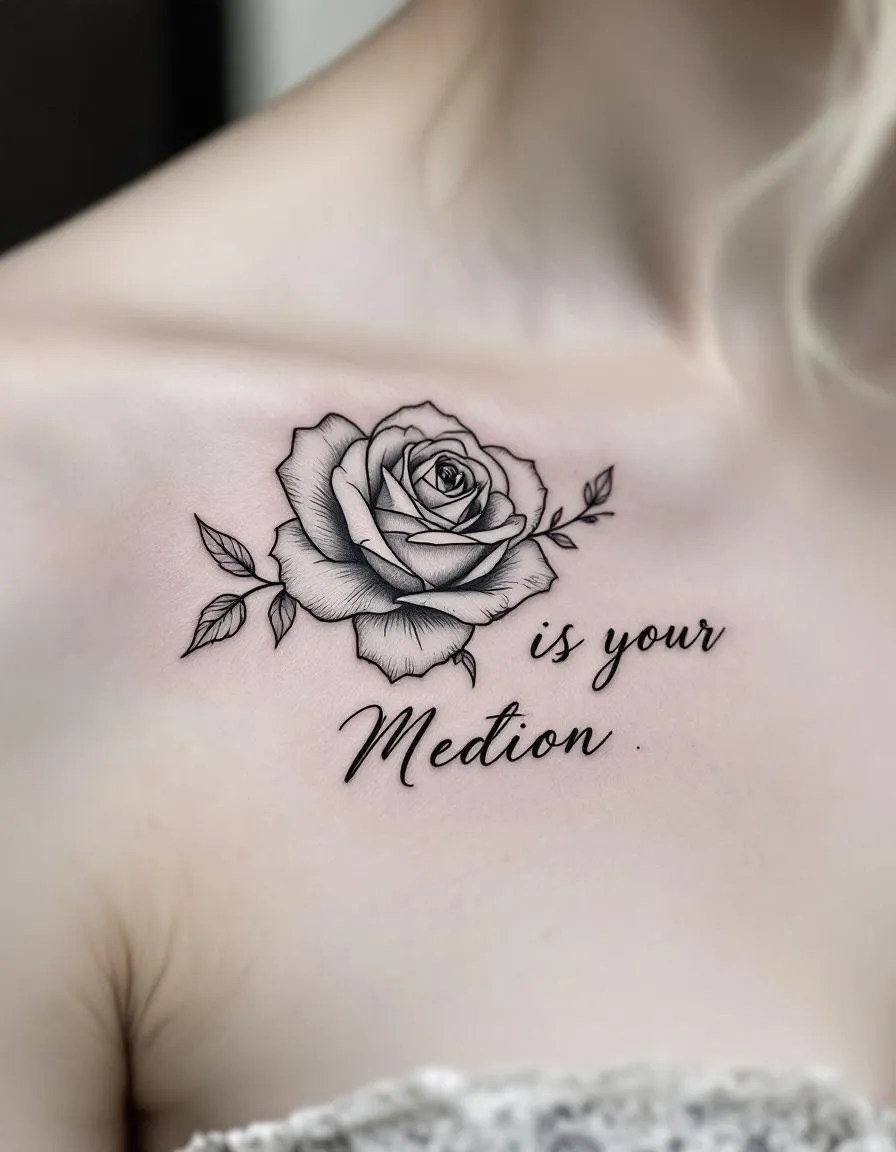
Tattoo-ready lettering direction
Ambigram concepts need readable rotation and clear line weight before they become tattoo references.
Use this free ambigram maker when you want a fast visual draft from one name, one word, or a short phrase.
Try the Free Ambigram MakerThe online ambigram creator helps you compare lettering styles before you save a tattoo, logo, or gift concept.
Open the Online Ambigram CreatorUse this ambigram gen flow for quick experiments when you only need a readable direction and a clean preview.
Use the Fast Ambigram GenThe name ambigram generator is best for personal name art, initials, profile artwork, and name tattoo ideas.
Try the Name Ambigram GeneratorThe two name ambigram generator focuses on couple names, family names, memorial names, and paired wordmarks.
Try the Two Name Ambigram GeneratorThe ambigram tattoo generator emphasizes bold contrast, readable rotation, and a stencil-style reference for your tattoo artist.
Try the Ambigram Tattoo GeneratorThe AI ambigram generator direction is reserved for richer style exploration and future AI-assisted lettering refinement.
Preview the AI Ambigram GeneratorA strong ambigram generator result should be judged quickly and honestly. Use this checklist before saving a preview, sharing it with a tattoo artist, or refining it into a higher-resolution concept.
Type
Enter one name, two names, or two short words.
Choose
Pick a lettering style that matches the tattoo or design direction.
Check
Compare the normal view, 180 degree rotated view, and stencil preview.
Download
Save a PNG or SVG concept when the result is readable enough to refine.
Readability matters more than decoration.
First save a clean preview. Later you can refine the same ambigram into higher-resolution artwork or a tattoo stencil reference.
Generate AmbigramTransparent PNG
Save a proof format for sharing, refining, or showing to a tattoo artist.
Vector SVG
Save a proof format for sharing, refining, or showing to a tattoo artist.
Stencil PDF
Save a proof format for sharing, refining, or showing to a tattoo artist.
Quick answers for names, tattoos, readability, and future AI generation.
An ambigram generator is a tool that turns names or words into lettering that can be read from more than one direction, usually after a 180 degree rotation.
Yes. Enter a first name and a second name, then compare the normal and rotated previews. Similar name lengths usually work best.
You can use the generated result as a tattoo concept or reference. Ask your tattoo artist to check readability, spacing, and line weight before tattooing.
Some letter pairs do not rotate cleanly. Try a shorter nickname, initials, a different style, or words with more compatible shapes.
This first version is free for creating previews. Future AI generation, high-resolution files, or advanced exports may use credits.